
GST bills without confusion
Create clean invoices with GST slabs, HSN details, PDF sharing and customer history.
BillRaja helps kirana stores, electronics shops, boutiques, wholesalers and product sellers create professional bills, manage products, watch stock, record customers and share invoices from one clean app.
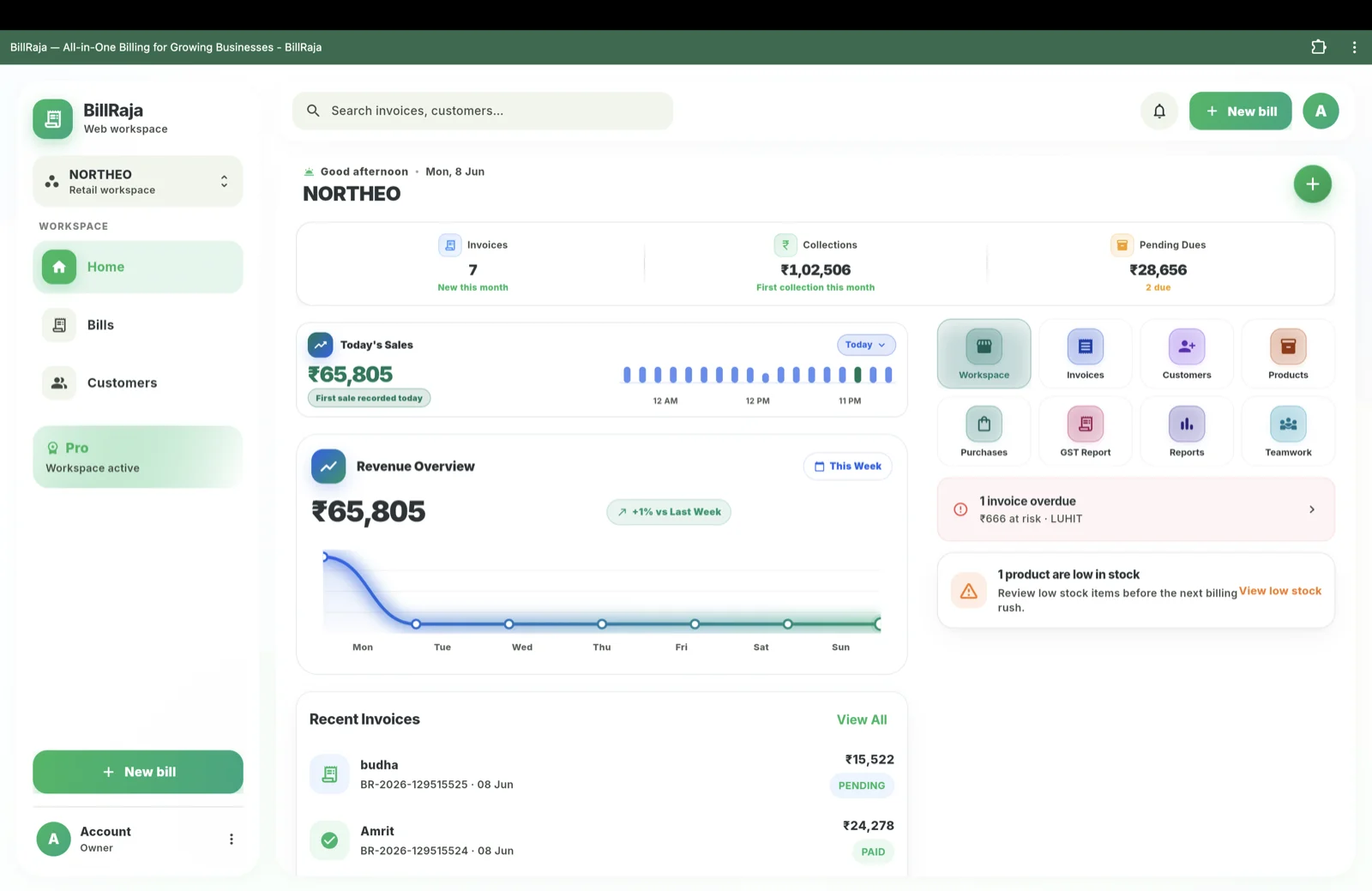
Create clean invoices with GST slabs, HSN details, PDF sharing and customer history.
Know what sold, what is low, and where stock changed instead of guessing from a notebook.
Create supplier purchase orders and keep buying, selling and stock movement connected.
BillRaja is built for the way Indian retail actually works — fast counter billing, walk-in customers, udhaar (credit) and stock that moves every hour. Create a GST-compliant invoice with CGST, SGST or IGST and the correct HSN code in seconds, then share it on WhatsApp with a UPI QR so the customer can pay before they leave. Whether you run a kirana store, a mobile and electronics shop, a garment boutique or a wholesale counter, every bill updates your stock and your customer ledger automatically.
Stop juggling a separate stock notebook, a billing app and a dues diary. The retail workspace keeps products, HSN codes, live stock, supplier purchase orders, customer history and pending payments connected. You can see which items are fast-moving, which are running low and which customers still owe you — then send a polite WhatsApp reminder in a tap. It works offline, so a patchy network never stops a sale; everything syncs the moment you reconnect.
At filing time, BillRaja gives you GSTR-3B-ready summaries with HSN-wise totals, output GST and input GST from your purchase orders — exportable to Excel or CSV. No more adding up a month of paper bills by hand.
Keep item name, price, GST slab, HSN code and opening stock in one clean product list before billing starts.
Pick the customer, add sold items, apply discount or payment, and create a GST-ready invoice at the counter.
Every saved bill changes stock automatically, so you see low stock and fast-moving items without a separate notebook.
Send the invoice as a branded PDF with a UPI QR so customers can pay you faster.
See paid bills, pending dues, monthly GST and customer history from the same retail workspace.
One app, three modes. Download on Google Play or open the desktop app and pick the workspace that matches your business.